
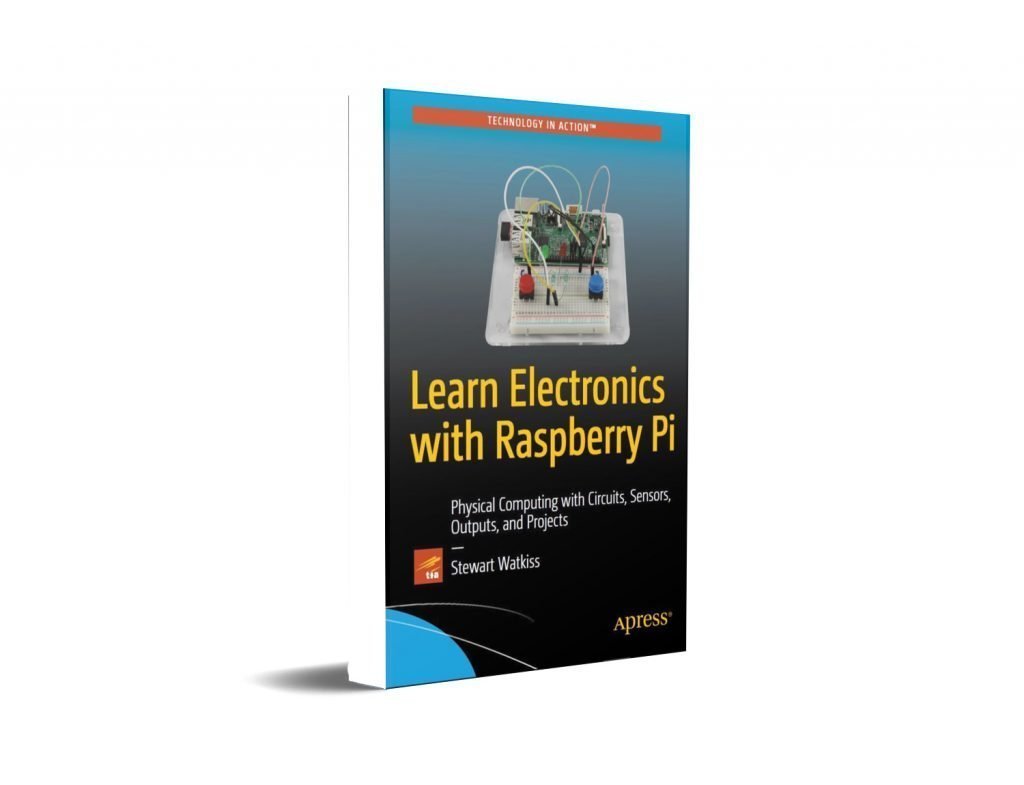
Title: Learn Electronics
with Raspberry Pi Physical Computing with Circuits
The Author: Stewart Watkiss
File Format: PDF
eBook Volume: 307 Pages
File Size: 16MB
Content:
Chapter1: Getting Started with Electronic Circuits
- Voltage, Current, and Resistance
- Ohm’s Law
- Electrical Safety
- Breadboard
- A First Breadboard Circuit
Chapter2: All About Raspberry Pi
- Introduction to the Raspberry Pi
- Raspberry Pi GPIO Ports
- Getting Started with Raspbian Linux
- Connecting to the Raspberry Pi Using the Network
- More Raspberry Pi
Chapter3: Starting with the Basics: Programming with Scratch
- Introduction to Scratch
- Scratch with GPIO Support
- Controlling an LED Using Scratch GPIO Server
- Adding an Input to the Scratch GPIO Program
- Robot Soccer
- Mars Lander Arcade Game
Chapter4: Using Python for Input and Output: GPIO Zero
- Brighter LEDs with a Transistor
- Introduction to Python
- Getting Started with Python GPIO Zero
- Circuit Diagram and Schematics
- Brighter LEDs with Darlington Transistors
- Disco Lights with MOSFETs
- Light Sequence Using a Python List (Array)
- Switching AC Lights Using a Thyristor and a TRIAC
Chapter 5: More Input and Output: Infrared Sensors and LCD Displays
- PIR Sensor and Pi Camera
- Infrared Transmitter and Receiver
- Changing Voltage with a Level Shifter
- I2C LCD Display: True or False Game
- SPI Analog to Digital Input
Chapter6: Adding Control in Python and Linux
- Taking the Next Steps in Python Programming
- Creating Python Functions
- Making Python Programs Executable
- Creating an Automated Lego Train Using Infrared
- Using the Internet of Things to Control the Model Train
- Controlling Color Light Strips Using NeoPixels
Chapter7: Creating Video with a Pi Camera
- Infrared Shutter Release
- Designing the Film
- Filming the Scenes
- Editing the Video
- Adding Effects to the Video
- Adding Sounds to the Video
Chapter8: Rolling Forward: Designing and Building a Robot
- Selecting or Making a Robot Chassis
- Controlling the Motors
- Controlling the Robot Using Python
- Measuring the Distance Using an Ultrasonic Range Sensor
- Controlling the Robot Using a Wii Remote
Chapter9: Customize Your Gameplay: Minecraft Hardware Programming
- Connecting to Minecraft with Python
- Moving Around Using a Joystick
- Building a House in Minecraft
- Adding Status LEDs
- Find the Glowstone Game
Chapter10: Making Your Circuits Permanent
- Soldering Basics
- Cases and Enclosures
- Testing Tools
Chapter11: Let the Innovation Begin: Designing Your Own Circuits
- The Design Process in a Nutshell
- Looking at Manufacturer Datasheets
- Designing with Fritzing
- Powering the Raspberry Pi
AppendixA: Required Tools and Components
- Tools Required
- Components for Each Project
AppendixB: Electronic Components Quick Reference

